Carousel Designer
Carousels That Tell a Story
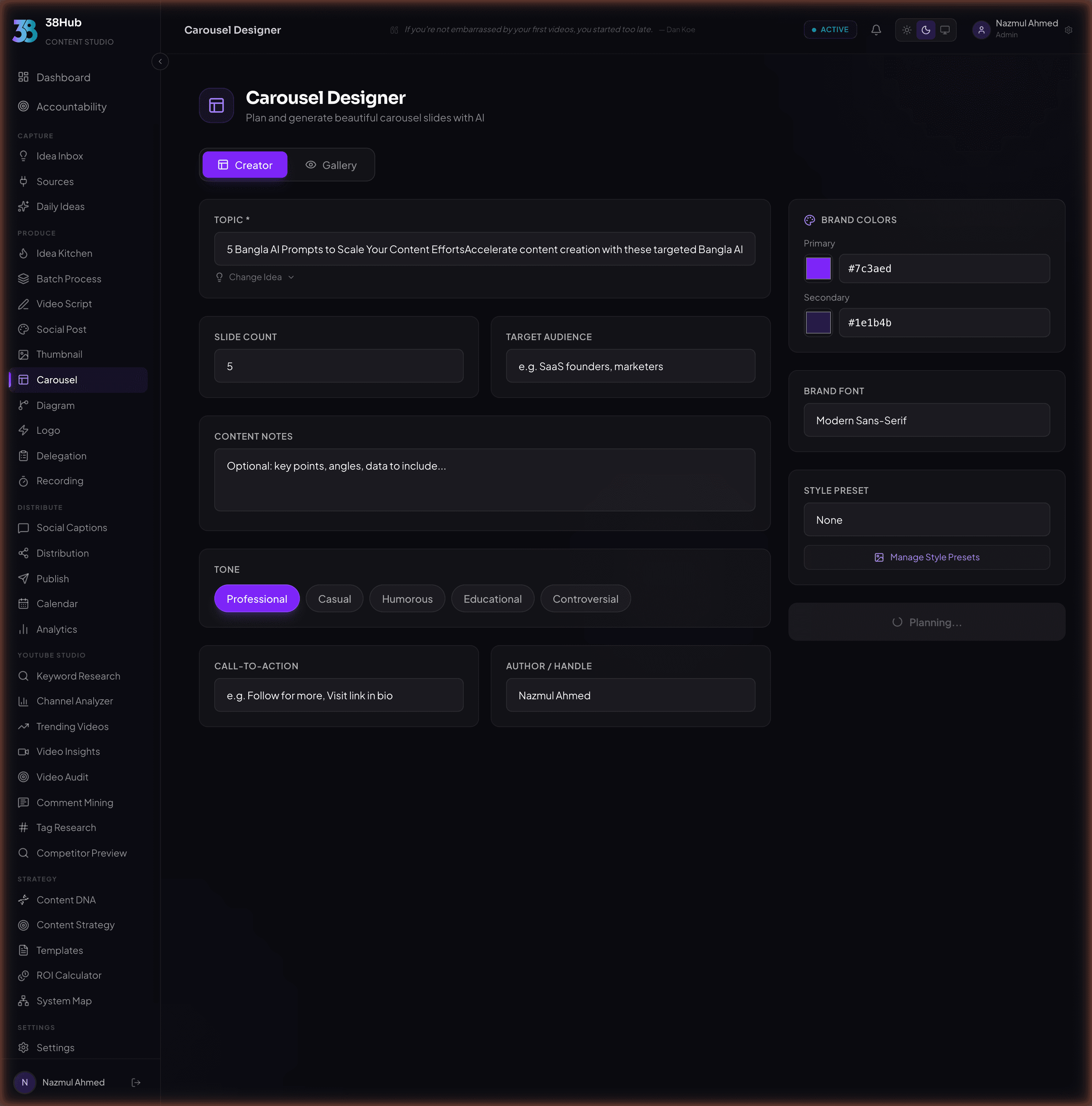
Turn any topic into polished, multi-slide carousels for LinkedIn and Instagram. AI plans the structure, generates slide images, and matches your brand.
app.38hub.com
AI Plans Your Slides
Describe your topic. The AI determines the optimal number of slides, content hierarchy, and visual flow.
carousel-builder.ai
7 slides generated
AI determines optimal slide count
Content-aware layouts
Brand color integration
Platform-specific sizing
Optimized for Every Platform
1:1 Aspect Ratio
- Professional tone and data-driven layouts
- Muted, corporate-friendly color palette
- Optimized text density for desktop reading
- Hook-value-CTA slide progression
4:5 Aspect Ratio
- Visual-first design with bold imagery
- Large, expressive typography
- Vibrant, attention-grabbing color palette
- Swipe-optimized content flow
From Idea to Carousel in Three Steps
Enter Your Topic
Type a topic, paste an article, or describe your idea. The AI analyzes your content and determines the best way to break it into slides.
AI Generates Slides
The AI creates the full slide structure, content hierarchy, visual layout, and images for each panel. Edit, reorder, or regenerate any slide.
Export & Publish
Download individual slide PNGs, a full carousel ZIP, or PDF. All saved to your gallery for reuse across future content.
Enter Your Topic
Type a topic, paste an article, or describe your idea. The AI analyzes your content and determines the best way to break it into slides.
AI Generates Slides
The AI creates the full slide structure, content hierarchy, visual layout, and images for each panel. Edit, reorder, or regenerate any slide.
Export & Publish
Download individual slide PNGs, a full carousel ZIP, or PDF. All saved to your gallery for reuse across future content.
Match Your Brand, Every Slide
Upload style references or choose from built-in presets. Every slide maintains visual consistency.
Corporate
Creative
Minimal
Bold
Elegant
Playful
Frequently Asked Questions
Everything you need to know about the Carousel Designer.
Carousels are optimized for LinkedIn (1:1 aspect ratio) and Instagram (4:5 aspect ratio). The AI automatically adapts content density, typography, and visual style based on which platform you select. LinkedIn carousels use professional tones and data-driven layouts, while Instagram carousels prioritize bold visuals and vibrant colors.
Yes. After generation, you can edit text on any slide, reorder slides by dragging, or regenerate specific panels while keeping the rest of your carousel intact. This gives you full creative control without starting from scratch.
The AI analyzes your content for key points and creates a logical flow following a hook, value, CTA progression. It determines the optimal slide count (typically 5-10 slides), organizes information into a clear hierarchy, and assigns appropriate visual layouts to each slide type.
Yes. Upload style references or specify your brand colors directly in your prompt. The AI maintains visual consistency across all slides, ensuring every panel in your carousel matches your brand identity. You can also save style presets for reuse across future carousels.
You can export individual slide PNGs, download the full carousel as a ZIP file, or generate a PDF. All exports are saved to your personal gallery for easy reuse across future content projects.
Create Your First Carousel in Seconds
Stop spending hours in Canva. Let AI handle the design.
14-day money-back guarantee· Set up in under 10 minutes